Two ways in, one set of files.
Build it by clicking, or by hand.
-
Without opening a file
Make pages, arrange blocks and build new ones from pieces: headings, pictures, lists of pages, things that show only sometimes. Colours, fonts and screen sizes are set in a panel, by looking at them.
Building a site in the editor -
With your own editor
Page types and blocks are HTML files with a few tags for the parts people can change. Write them yourself, add your own JavaScript, and the editor leaves every line you wrote alone.
How templates work
A small copy of Build a block. Nothing here is saved.
Every choice comes from your design.
In Build a block you pick spacing, colours and columns from the site's own tokens, one screen size at a time. There's no box to type a stray value into, so the site can't drift.
Change the headline at the top, then look here.
Behind the page, plain files.
What you change on the page is written to a small file beside it. Publishing is a commit, so every change has a date, an author and a way back.
For people who write templates.
A page type is still HTML.
Fields, block areas, lists of pages, repeaters, conditions and parts are written between double braces in ordinary HTML. Change the template or the content below and the page follows.
All of it runs on your computer. There's no database and no service to sign up for.
What comes with it.
-
Blocks and block areas
Stack blocks on a page, nest them, and save a group as a component to reuse.
-
Channels
Posts, releases, case studies: anything that comes in a series gets a list, a New button and a feed.
-
Tags and tag pages
Tag a page and Verso makes a page for each tag, listing everything tagged.
-
Lists that split into pages
Long lists are cut into pages of any length, with links to the next and the last.
-
A shared header and footer
Blocks marked as the same on every page are edited once, from any page.
-
Screen sizes
See and edit a page at a phone's width. Style a block for tablets with the preview at that width.
-
Design tokens
Colours, fonts, sizes and spacing live in one panel. Rename one and every page follows.
-
Text styles
Decide once how headings, links, quotes and code look in every article.
-
History
Every publish can be looked at and restored. Two people changing one page are shown both versions.
-
Search, a sitemap and feeds
Made at build time from the pages themselves. All they need is the site's address.
-
Pictures
Dropped onto the page, checked, and kept in the page's own folder with their descriptions.
-
Hosting, two ways
Build to plain files for any static host. Or run it as one program that people sign in to and edit live, several at once.
Each release came from building something real with Verso.
Lately.
- 0.13 A site in a boxOne program is now the whole site. Visitors see the published pages, people sign in at /edit and change them from any browser, and…
- 0.12 Deleting, moving and a blank startThe things the rebuild found missing: deleting pages and blocks, changing an address, parts inside blocks, a note on Publish and a blank start…
- 0.11 The site, rebuiltThis website was started over with verso new and rebuilt in the editor: block-built pages, a shared header and footer, self-hosted fonts, five screen…
Three sites. Each one found something missing.
Made with Verso.
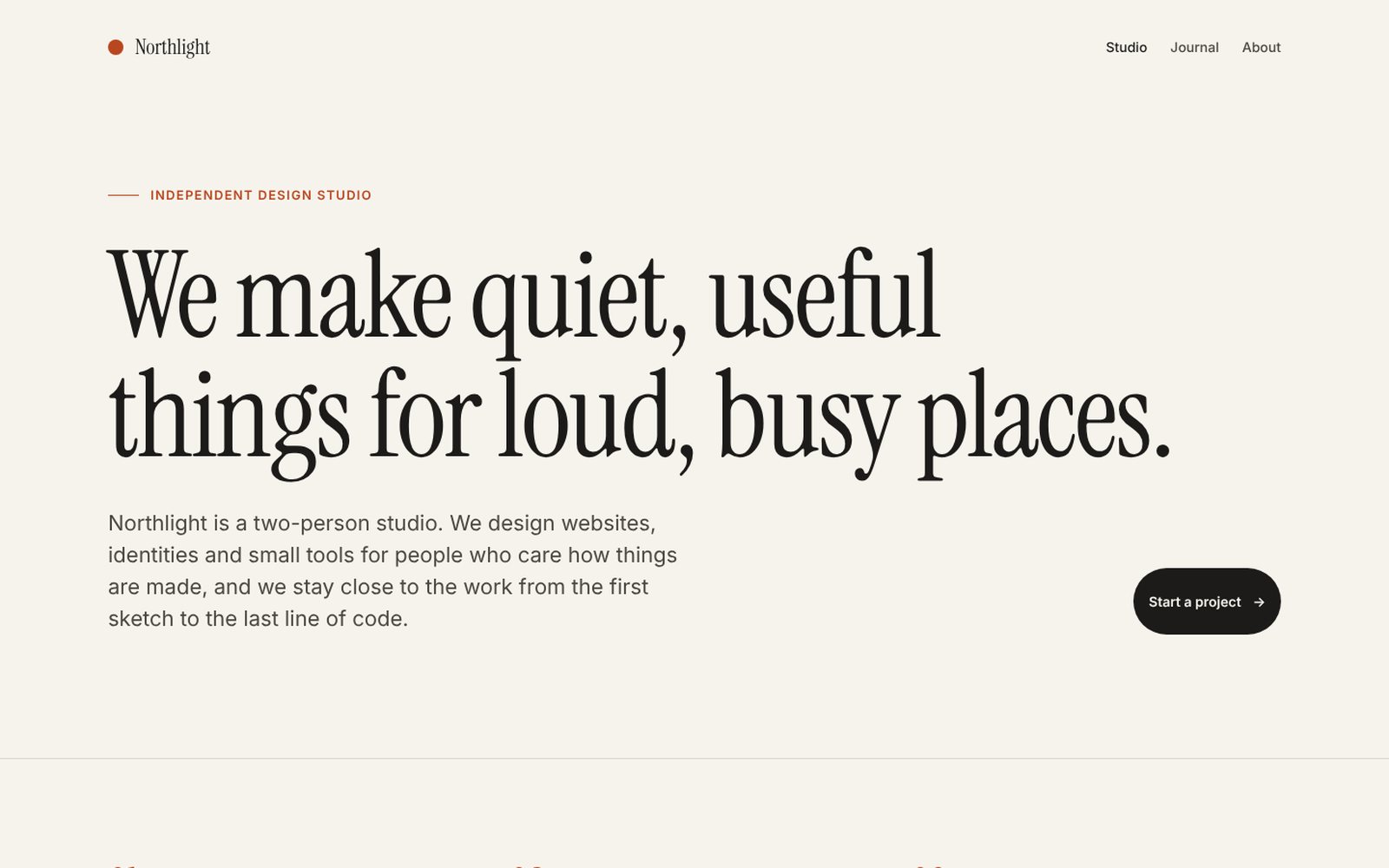
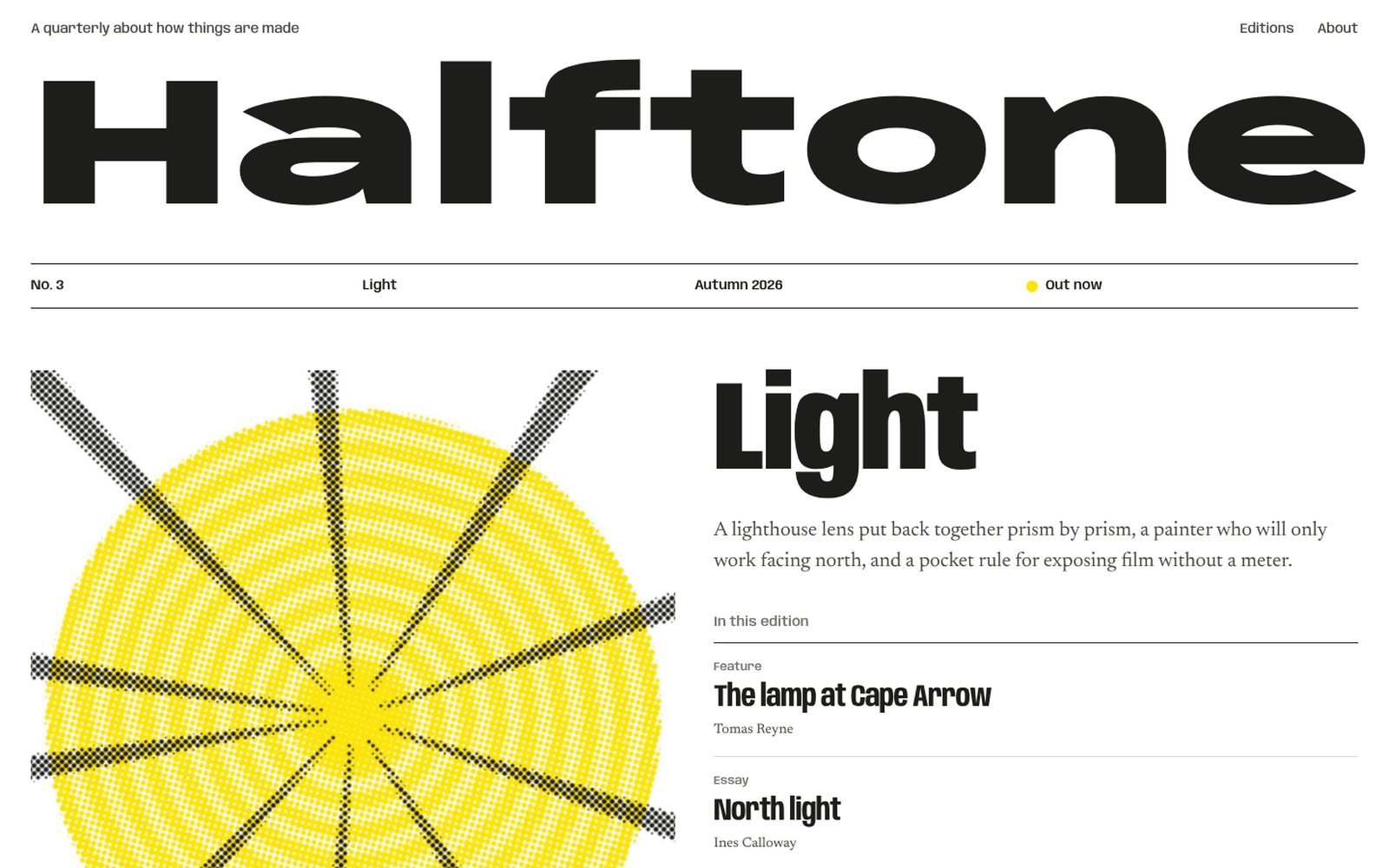
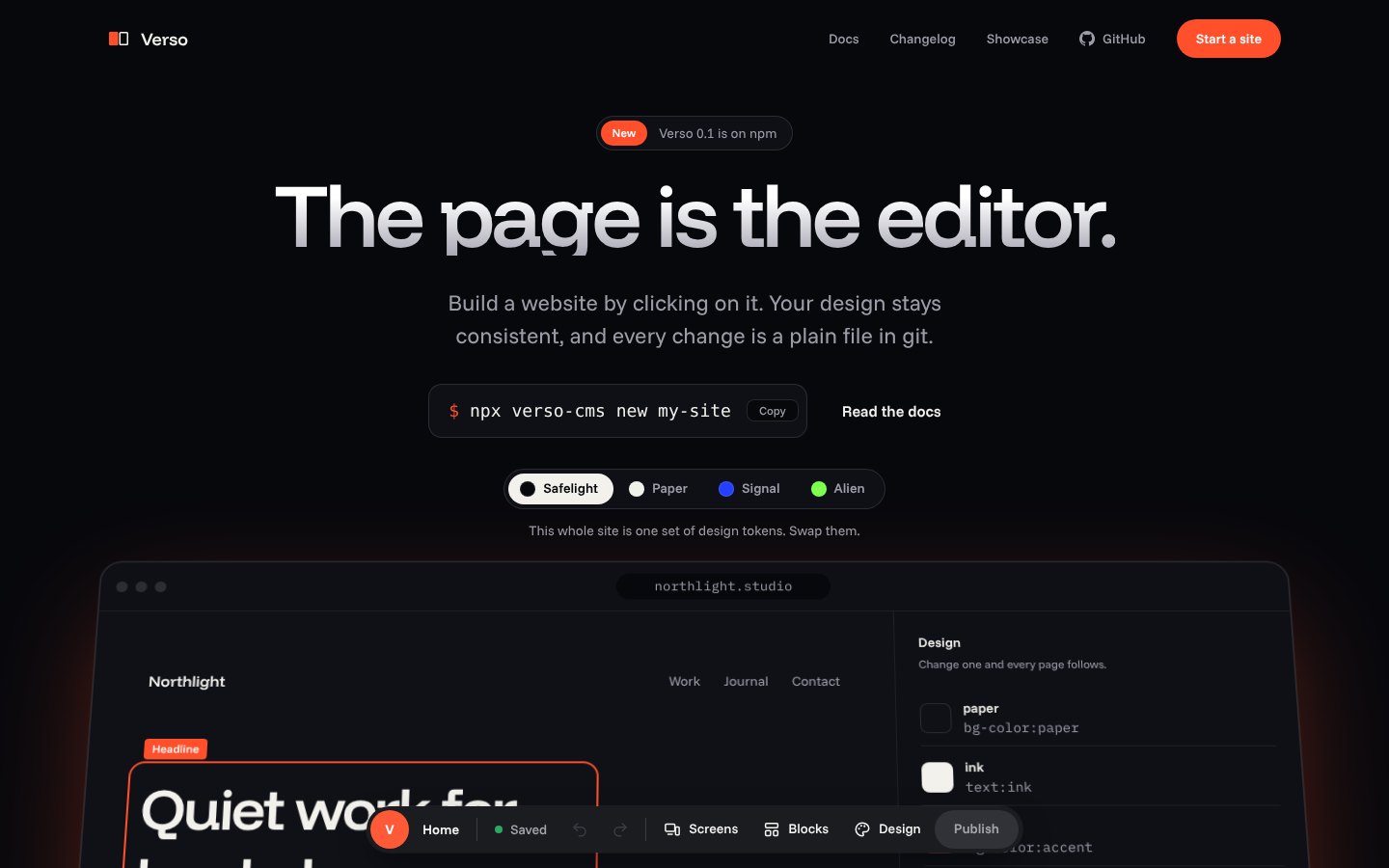
It takes about a minute.
Start with one page.
One command makes a working site with a few blocks and a page to edit. Open it, click the headline, and change it.
$ npx verso-cms new my-site